

integration_id the API lists; their keys stay in Vortex IQ and never travel through your requests.
See Authentication.
The API answers with the same templates, automations and runs the app shows:
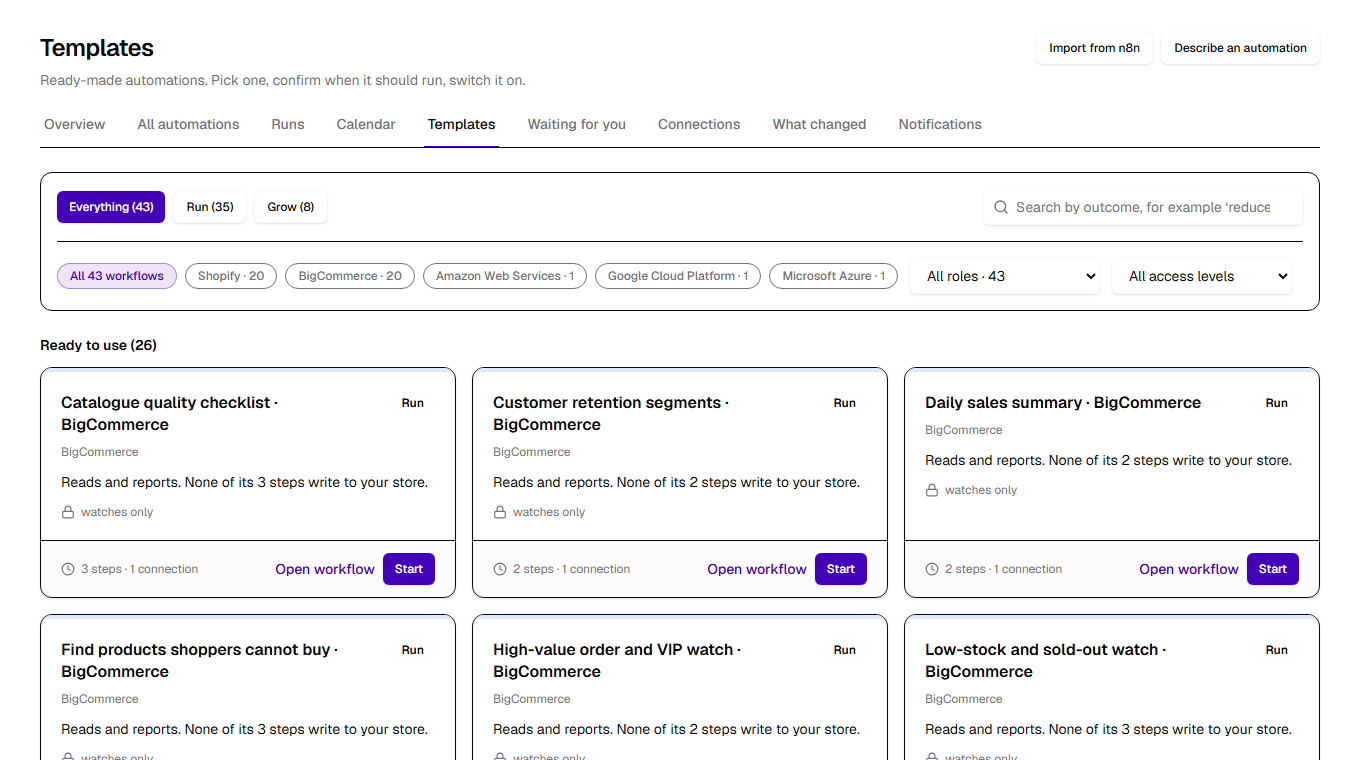
How it is organised
Authentication
Exchange your identity and your organisation’s API credential for a bearer token valid for 60 minutes.
Templates & stores
What you can set up, whether it is ready, and the stores and accounts it can run on.
Automations
Set automations up from templates, read and change them; pause, resume, archive and restore.
Runs
Run an automation now, follow a run step by step, read the history, cancel a run.
Schedules & calendar
Preview a schedule before you save it, list the coming runs, move or skip one.
Imported workflows
Bring an n8n or Shopify Flow workflow in, see how it would run, and run it as your own automation.
A typical flow
1
Log in
Log in with your organisation’s API credential and your identity to get a bearer
token. Send it as
Authorization: Bearer <token> on every call; log in again when it expires after an hour.2
Know what you can set up
GET /v1/automations/templates lists the templates your organisation can use, each with readiness, and
GET /v1/automations/stores lists your connected stores with the integration_id an automation runs on.3
Set it up
POST /v1/automations with a template_id, an integration_id, the template’s inputs and a schedule.
With a schedule it is active at once; with cadence: manual it is a draft you run by hand.4
Run it
The schedule queues runs by itself. To run now,
POST /v1/automations/{automationId}/runs with an
idempotency_key: you get the run back at once, queued.5
Follow it
GET /v1/automations/runs/{runId} every few seconds while the run is queued or running, passing
after_seq for just the new steps. A finished run carries its summary and result.6
Plan around it
GET /v1/automations/occurrences gives the calendar of coming runs; move one or skip one with the endpoints
beside it.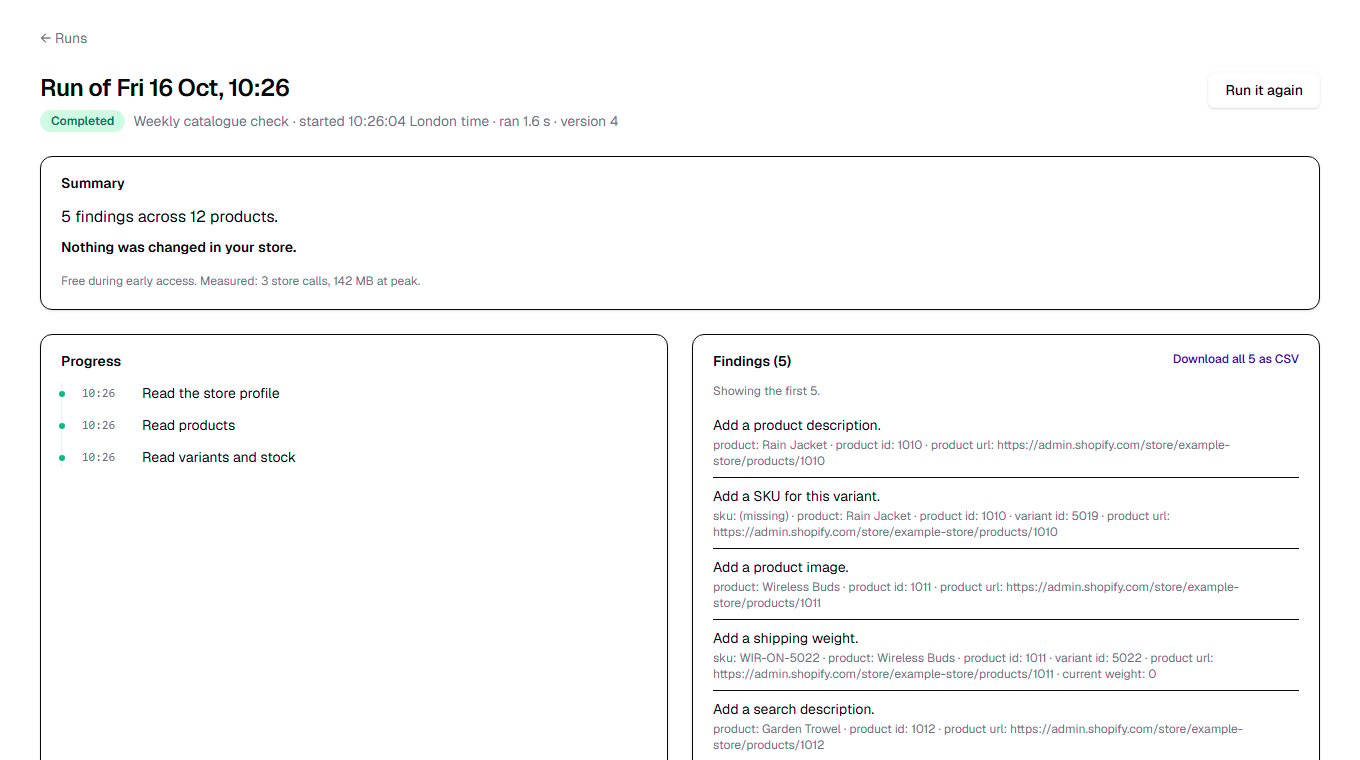
Automation states
Run statuses
Schedules
Times are in the automation’s timezone: its store’s unless you set
timezone. A scheduled run starts within ten
minutes after its time. Preview schedule tells you the next three times before
you save anything.
Who did it
Every automation and run records who made it and how, the way StagingPro records who started a migration:Safety
- A credential never approves. A run that would change your store waits for approval in the Vortex IQ app; the
approve and reject endpoints refuse an API credential’s token with
403. - Everything is scoped to your organisation. Another organisation’s automation, run or import answers
404when you name it in the path; as a filter it matches nothing (an empty list, or422on the calendar). - Changes need the version you read. Update automation and moving a coming run carry a
version; a stale one is refused with409 stale_version, so two tools never overwrite each other. - Run now is idempotent. The same
idempotency_keyreturns the same run, so a retried request never starts two. A key is one across all your organisation’s automations: reused on another, it is refused with422. - Test runs change nothing.
mode: testreads your store for real and refuses every change. - Organisation switch. While Automations are switched off for your organisation, every call answers
403. - Limits. Up to 600 calls a minute for each person and 3,000 for each organisation, for the API alone (the
Vortex IQ app’s own screens are counted apart), then
429withRetry-After. The login allows 10 attempts a minute. - Stores are connected in the app. Connect and disconnect stores in Vortex IQ (Settings, Connected Sources); this API reads them, never changes them.
- Poll, do not stream. There is no streaming endpoint: ask for a run again every few seconds while it runs.