

Run a test
1
Add your website and questions
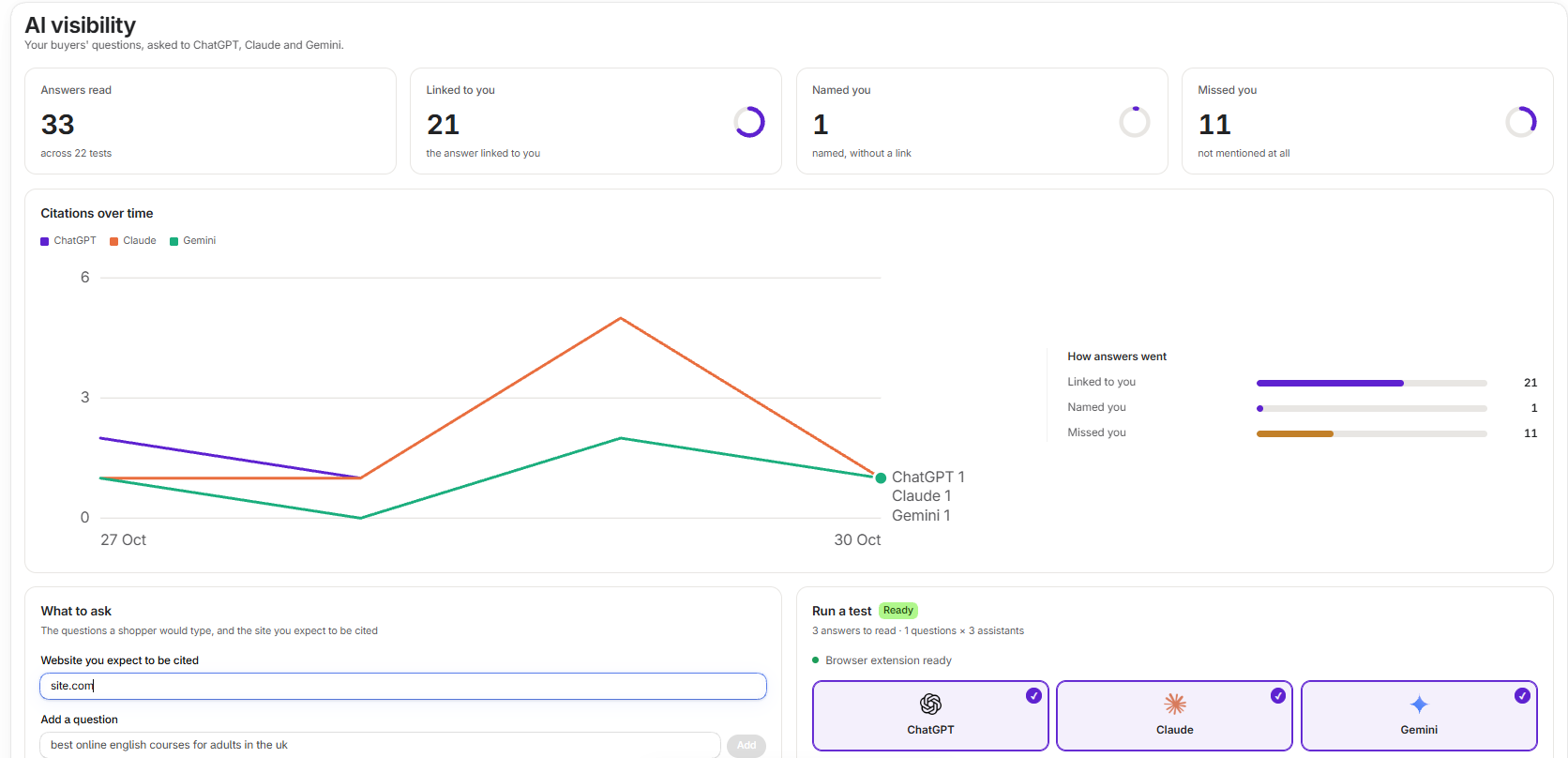
Under What to ask, enter the website you expect to be cited. Add questions the way a shopper would type them, without your store’s name.
2
Choose assistants
Under Run a test, choose ChatGPT, Claude, Gemini or any mix.
3
Sign in to each assistant
Press Run test. The pop-up links to each assistant, so you can check you are signed in. Then press I’m signed in. Run the test.
4
Let it run
The questions are asked in your Chrome, so tabs open and switch while it works. Press Stop to end it after the question in progress.
An assistant you are not signed in to is skipped. The app never signs in for you.
Read the results
Where you never come up lists questions across every test where you keep missing, and who came up instead. Runs lists each test, newest first. Open one to see its answers and the sites that came up.